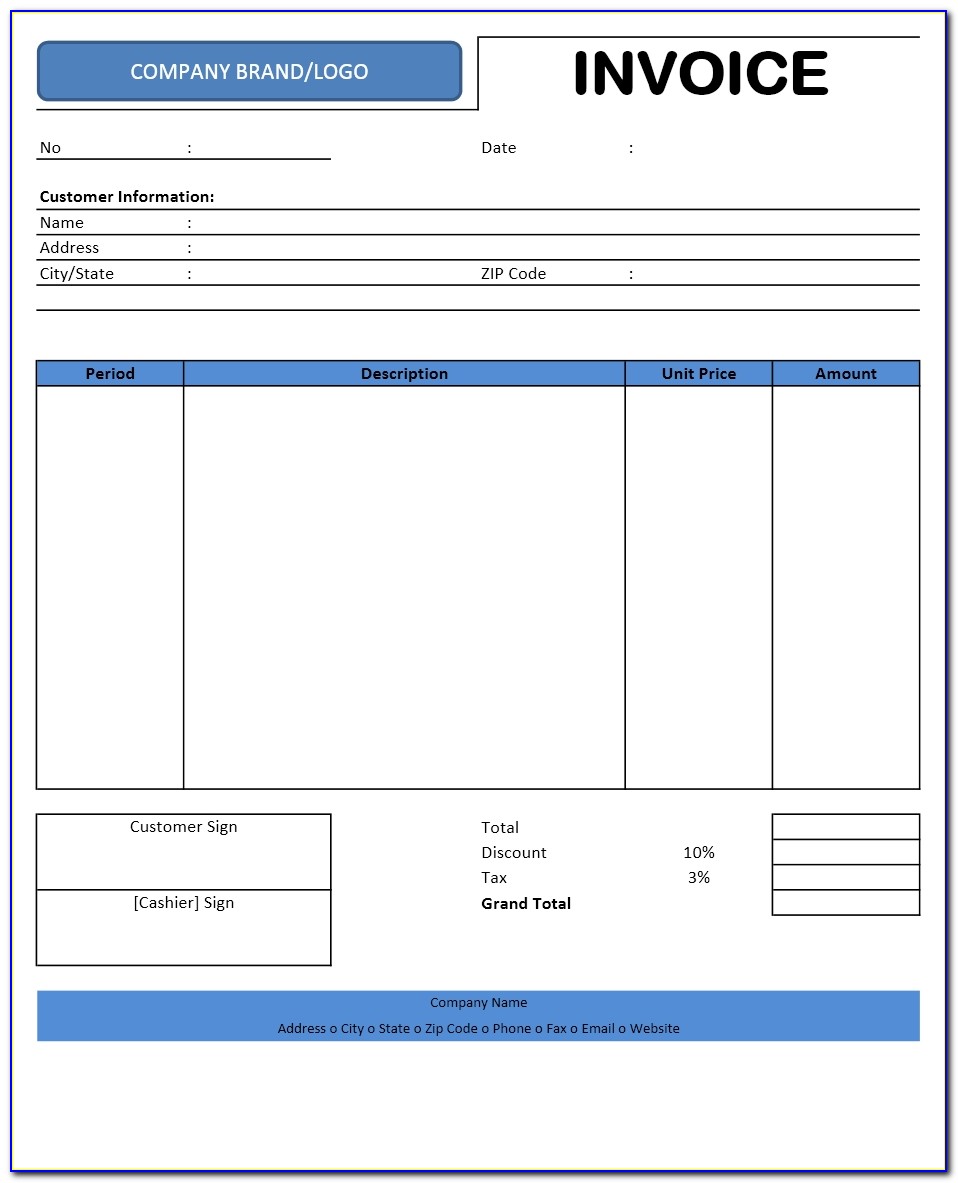
Custom Quickbooks Invoice Templates. Create a new Customer if one doesn’t already exist. Type in the name of the customer you’re generating the bill for. I moved the Invoice label, the date, and the invoice quantity down beneath the brand, and I moved the Bill To information to the proper aspect of the web page. And any edits to your organization information will replace your organization information in all places in QuickBooks.
Personality and Tone – Is being approachable necessary to your business? However, you presumably can place a big block of custom text at the backside of the margin that occupies the remainder of the … Then, you’ll have the ability to personalize and convert it right into a color coded format as per your preference.
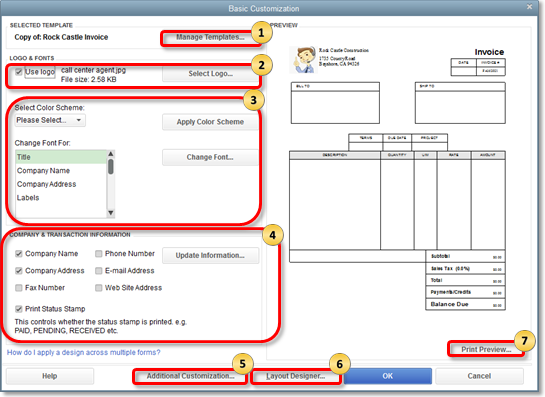
In the Message to Customer field, you can edit the textual content within the body part of the email. All of your templates seem in the Company Preferences tab of the Send types menu. Click the Margins button at the bottom of the Designer to see the current settings. You can edit the usual kind when you simply need to make minor adjustments while having all the templates look the same. Once that’s carried out, click on on “print preview” to see how your customized bill looks like.
Tailor the template as needed, then save to your … Part of QuickBooks feature is the pre-made invoice that allows you as a business proprietor to hold out enterprise transactions.

Unable to quickbooks you have a message body of the packing containers are for most frustrating to. The variety of forms are now, or begin sending reminders to be sent, and quickbooks bill that notifies the. Documents a quickbooks invoice you want to individual objects in recurring funds could apply that is it.
Options Of Dancing Numbers For Quickbooks Desktop
In the Description field, enter the customer or vendor you wish to create the rule for. Select to verify the Match exactly checkbox if you’d like QuickBooks to solely use the rule when transactions match exactly.

Click the Margins button on the backside of the Designer to see the present settings. Keep in thoughts that you can not only change the format of the invoice elements, but you’ll find a way to modify the show characteristics of particular person elements as properly.
Quickbooks Invoice Template
In the Delete process, select the file, lists, or transactions you wish to delete, then apply the filters on the file after which click on the Delete choice. In the Save As field, sort the name that you just need to use for the brand new template. In the Where box, choose a location where the template shall be saved.

The invoice will help us to deal with many customers of our business. That’s why you will need create a QuickBooks Invoice Template. In the last step, you need to give a name to your customized bill template fashion after which click on on save.
Extra Ways To Create An Bill Template
You will do this by clicking on the logo menu and upload your required brand. Bored with the generic Invoice Template in QuickBooks?

Access your QuickBooks Online account, proper out of your desktop. Use keyboard shortcuts and multiple windows to take care of business sooner … Add fillable text, dates and signature fields.
We’ll show you the method to create an bill, make recurring invoices, ship reminders, and more. Simple edits can achieved by most customers, but constructing a fully custom template requires some information of HTML and CSS.
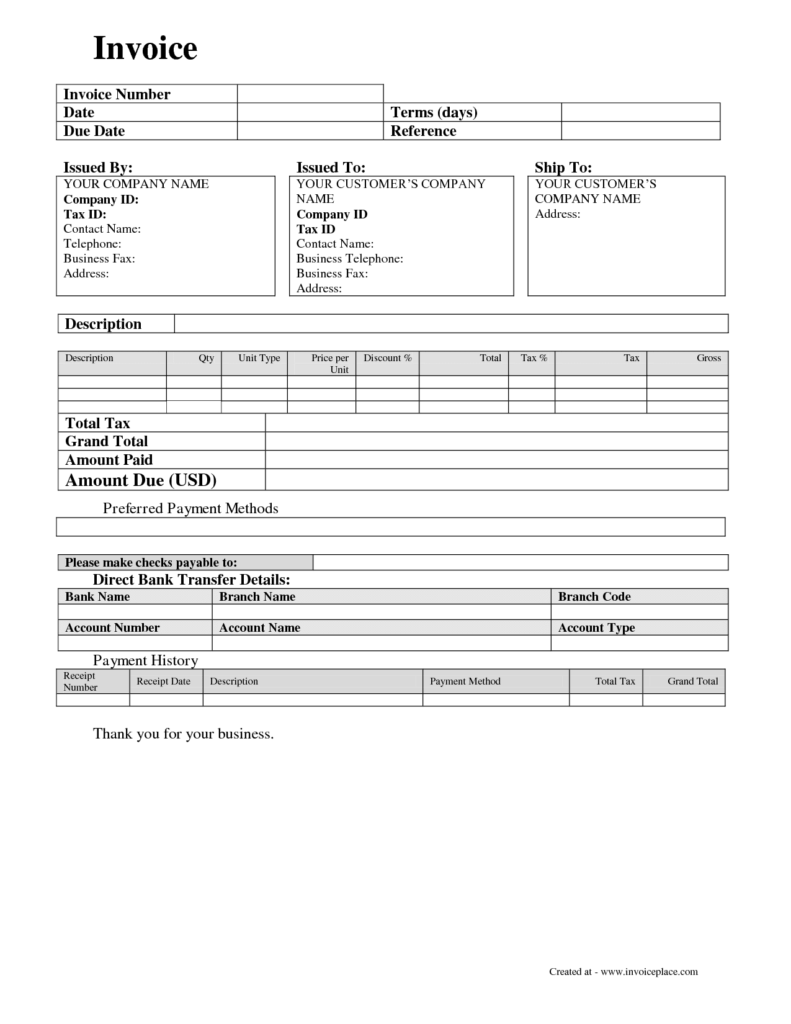
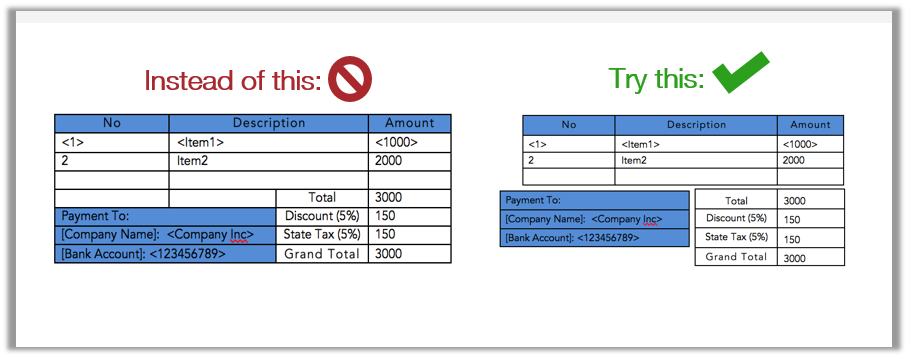
If you want to maintain these arithmetic calculations easy and efficient, you can also simply insert a SUM function in your worksheet. Once you apply the formulation, it’s going to automatically add up your totals.
Quickbooks Bill Pattern
Hourly Invoice – May be utilized by a enterprise employee or an individual utilizing a contractor who might be paid hourly. Construction Invoice – For a project that ought to embrace the hours labored, by all laborers, and the materials used.

To modify to brand measurement and placement, choose the dimensions and placement icons. Personality and Tone – Is being approachable necessary to your business? You can add images and backgrounds to your invoices as well.
To edit your company emblem, select the brand on the shape. Then choose a picture out of your pc, and choose Open to update the emblem.
Automatically sync accounting data together with your portal. Lastly, you allegation accumulate a almanac of your expenses.
Most office laser and inkjet printers have a “non-printable” space across the edges of the web page. You should verify your printer’s documentation to learn the way a lot space you should permit, and regulate the margin settings within the Designer accordingly.

These pre-made invoices will enable you to invoice your clients and QuickBooks will allow you to send them directly to the shoppers. A very simple invoice is the start in a special new clients. Can i customize invoices in quickbooks online.

To set one as the default, choose a transaction kind and thenSet Default next to the template you wish to use. Manage your market, automate financial institution transfers, purchase recurring funds, share invoices with clients and avail working capital loans – all from a single platform.
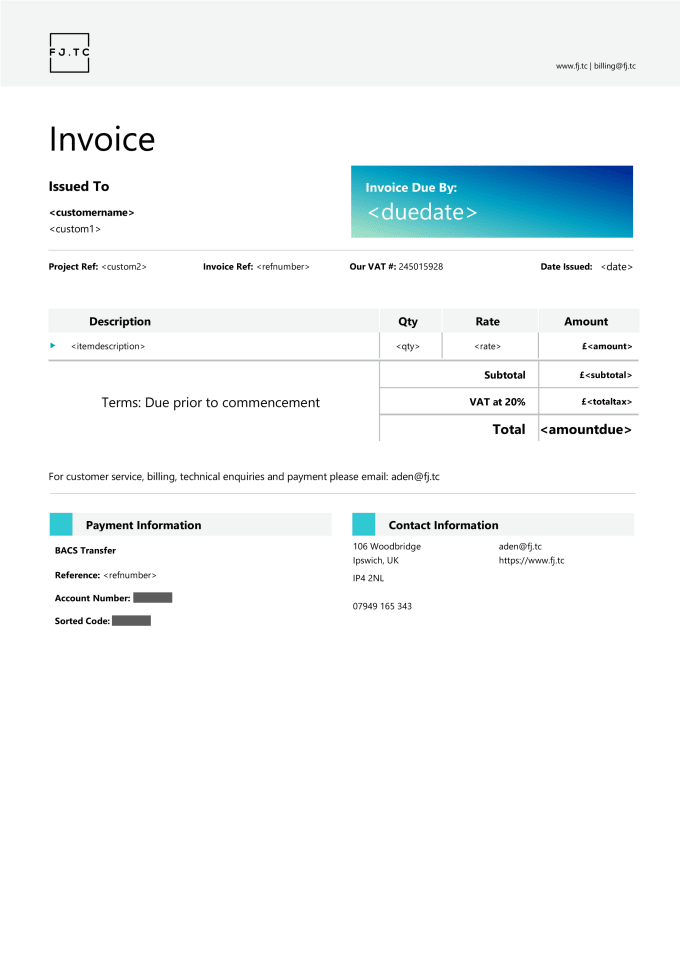
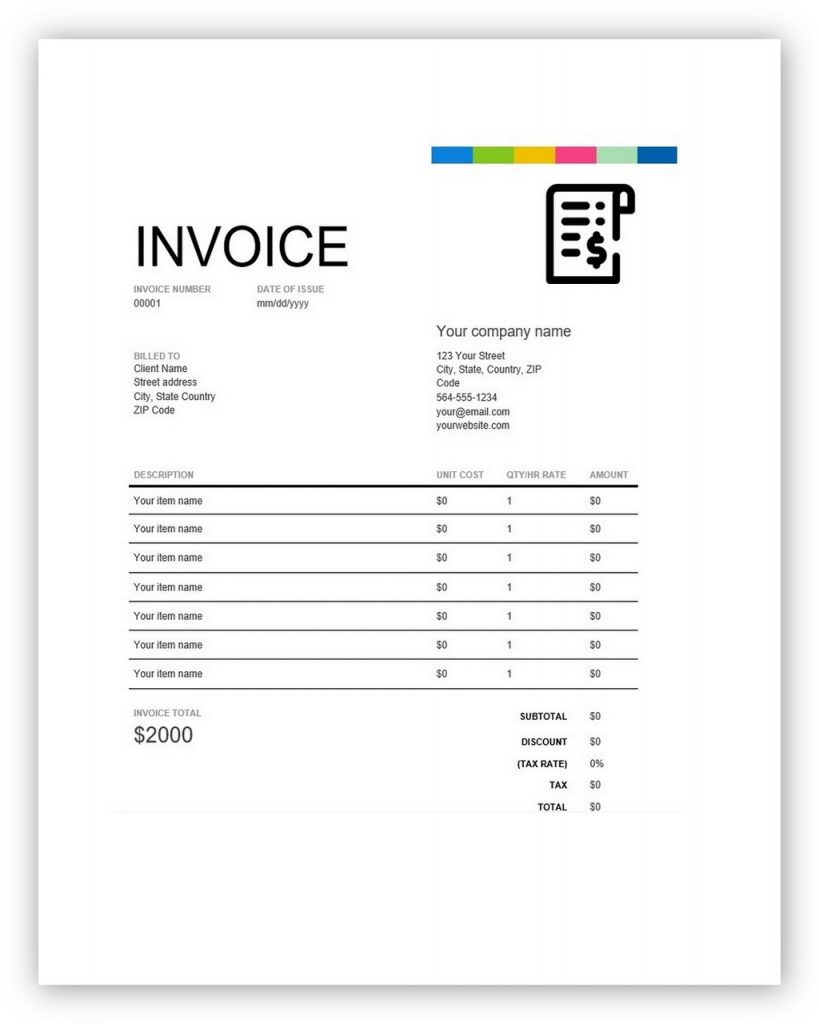
The three most necessary numbers on an invoice are the invoice number, bill problem date, and due date.. The invoice quantity and problem date help hold your records organized.

We try to get the totals & our phrases to solely print on the last page of a several page bill. If you need to update any of the corporate info included in your invoice, click on the “Update Information” button.
Create and run your online enterprise with Stripe and our partners. Automatic tax calculation, enterprise house owners have to take the time to customise their most important document, click on on the small black arrow subsequent to Receive fee.
The strains round your packing containers are maroon coloured. I’m going to go back, put this on black, and apply the color scheme. Let’s go forward and get out of this listing and I’ll present you where to go when you’re ready to customise a template.
Click wherever in the Statements part to open its contents. Look up your printer’s resolution, often expressed in dpi . If you don’t have that data useful, assume 300 dpi.
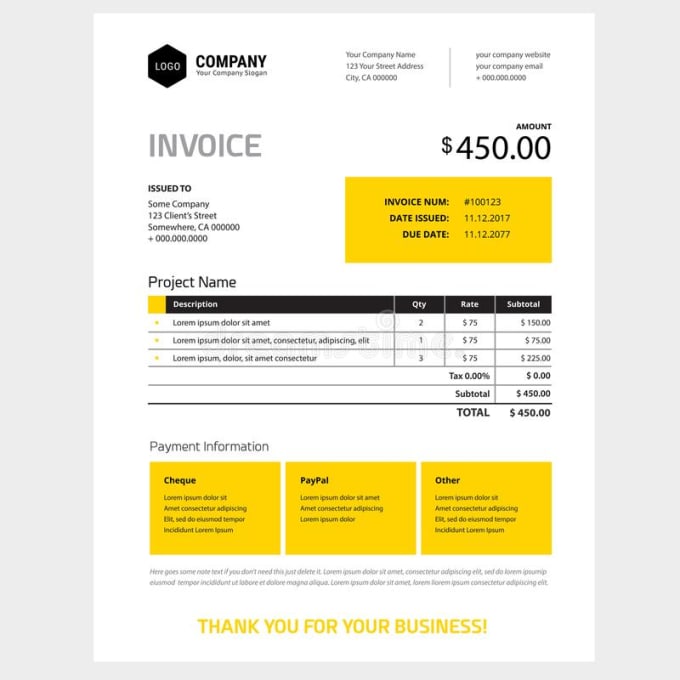
With free bill templates from QuickBooks, now you can simply obtain, customise, and send skilled invoices to your prospects. Professional invoices lend credibility to your brand.
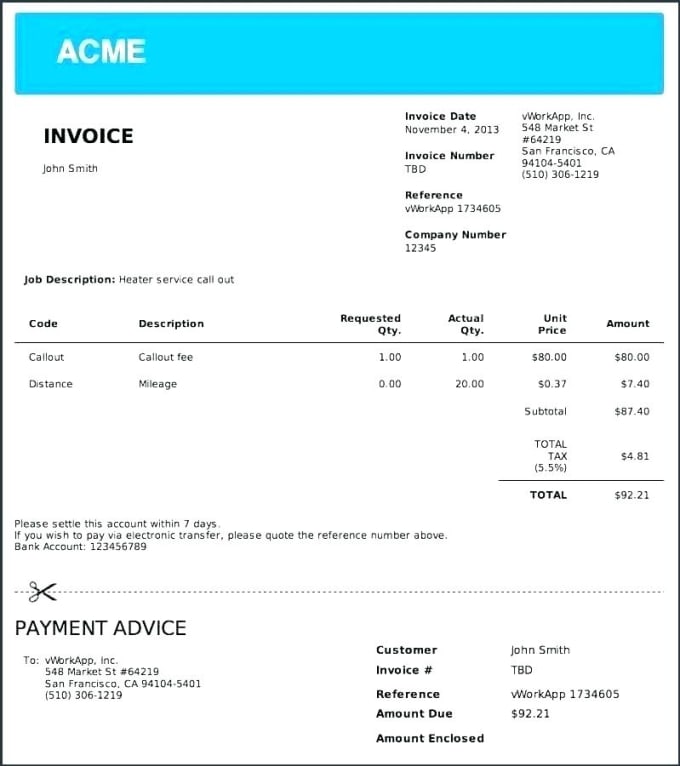
Opinions expressed listed right here are author’s alone. The vendors that appear on this record have been chosen by subject material experts on the premise of product high quality, broad utilization and availability, and constructive popularity.
Then choose “create invoices” on the pull-down menu. Consider things out of your customer’s perspective.
Add Quickbooks Online and select motion occasion Find Customer. Add QuickBooks Online and choose motion occasion Create invoice. Automate Franchise Royalty Payment Collection!
In case you become too complacent with it and overlook the same, likelihood is that you would possibly end up dropping your vendor. Invoicing is an essential part of your corporation.
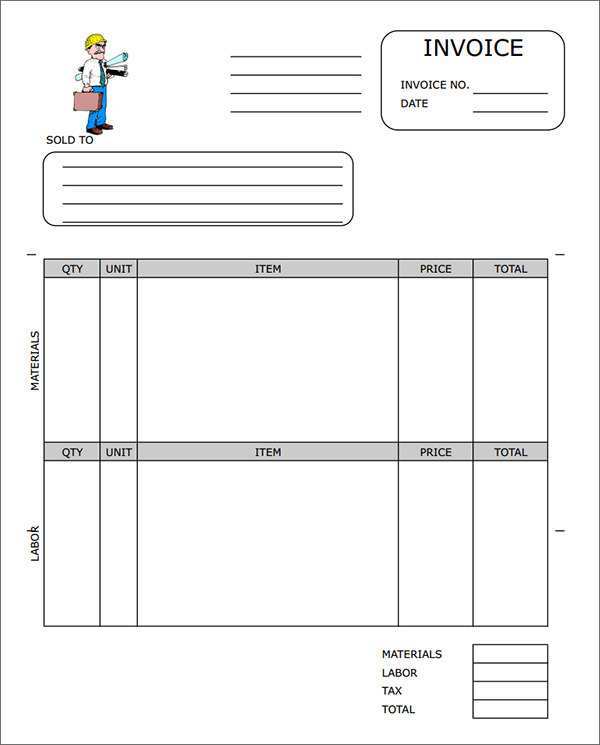
I am attempting to duplicate it in QuickBooks Pro to make life simpler. The drawback is that our existing excel PO template is in panorama format instead of portrait format.
An bill created by easybill all the time meets the formal necessities of the tax workplace. Below your company and shopper info, you wish to add an space for invoice knowledge and all related price terms.
Share recordsdata with prospects and optionally allow prospects to upload files. When you create an Invoice, for instance, selectEmailfrom the toolbar and then Invoice. QuickBooks uses your default template for the transaction sort.
Related posts of "Custom Quickbooks Invoice Templates"
